 Tequila
Alpha
The first versions: the renderer, the materials and the app, built up and tried out.
What's being worked on now, what comes next, and what's further out. Plans move as people use Tequila and tell us what they need; what has actually shipped is on What's new.
Updated November 7, 2026
Ready for real work, and still changing quickly.
The first versions: the renderer, the materials and the app, built up and tried out.
Every main feature is in, on Windows, Mac and Linux. What that means for you:
When these are done:
The work for the next release.
Tequila as a zip, with nothing to install: extract it on a USB drive or any folder you can write to, and open it. It keeps your settings, materials and plugins in a data folder beside it, not in the computer's own folders, and updates by extracting the next version's zip over it.
On a Mac, 3Dconnexion's driver keeps the 3D mouse to itself, so Tequila can't read it while the driver runs. Tequila will go through the driver instead, as other apps do: the mouse keeps working everywhere, and the settings in 3Dconnexion's preferences apply in Tequila too.
Reported by the communityKeep the preview at the final render's pixel size instead of the window's, so a big monitor no longer slows it down. And a Screenshot button that saves the preview to a folder you choose, on P as in KeyShot; pausing the view moves to Shift+P.
Asked for by the communityClicking empty space deselects again, and so do Esc and Ctrl+Shift+A (⌘⇧A on a Mac). The move gizmo gets smaller, and stays the same size on any screen instead of growing with the window.
Asked for by the communityA switch on the viewport's toolbar, for the preview and the final render separately, and a closer look at why denoised textures can come out soft.
Asked for by the communityThe saved shots in your project become Snapshots, so Studios means one thing: the Library's ready-made setups of lights, backdrop and cameras.
Asked for by the communityChoose Help › Test this computer…: it renders a small scene with every engine and graphics card it finds, checks the pictures and gives you a short report. Paste it on Discord. Reports from AMD cards, several cards at once, and Intel and Apple-silicon Macs help most.
A SpaceMouse turning the view, Substance materials with Adobe's own files and tools, USDZ files on an iPhone, iPad and Apple Vision Pro, and Rhino files side by side with Rhino. Each is built and tested against its format, but not yet used on the real thing. Have one? Tell us how it goes.
Planned once the work above ships.
Tequila can slow down over a long session with a detailed model, or one with many parts. We'll measure where the time and memory go and fix it, add a small performance readout to the app, then go over the whole app: start-up time, memory, and loose ends in the interface.
Duplicate a part with Ctrl+D, or repeat it along a line or around a circle. The copies share the original's geometry, so a large pattern stays light, and the pattern stays editable.
Asked for by the communityAdd a plane, cube, cylinder, sphere or disc to the scene, and backdrops: a back wall, or a curved sweep from floor to wall with its width, height and curve set by numbers or handles. Each takes materials like any other part.
Asked for by the communityOne gizmo with arrows, rings and scale handles together, as in KeyShot. W, E and R still pick one at a time.
Asked for by the communityA texture laid on flat, around a cylinder, around a sphere or from three sides, drawn as a wireframe of that shape on the part, with handles to move, turn and size it right in the viewport.
Asked for by the communityOne place to make Tequila your own: theme and interface size, gizmo size, preview size, mouse navigation like KeyShot, Blender or Maya, your own shortcuts, the default engine and folders, and how much room caches take.
Free signing through the SignPath Foundation, so Windows stops warning about Tequila the first time it runs.
Exploded views, camera fly-throughs, part reveals and motion blur, on top of today's turntables.
Materials from KeyShot scenes matched more closely to how KeyShot renders them.
Wanted, but not scheduled yet.
Restyle a finished render, change its background or upscale it, guided by the render's own depth, normals and masks.
Look over a scene with others and leave notes on it, made practical by Tequila's open file format.
The last three releases. Everything that was under Now and Next on November 3 shipped on November 6. Every version's full notes are on What's new.
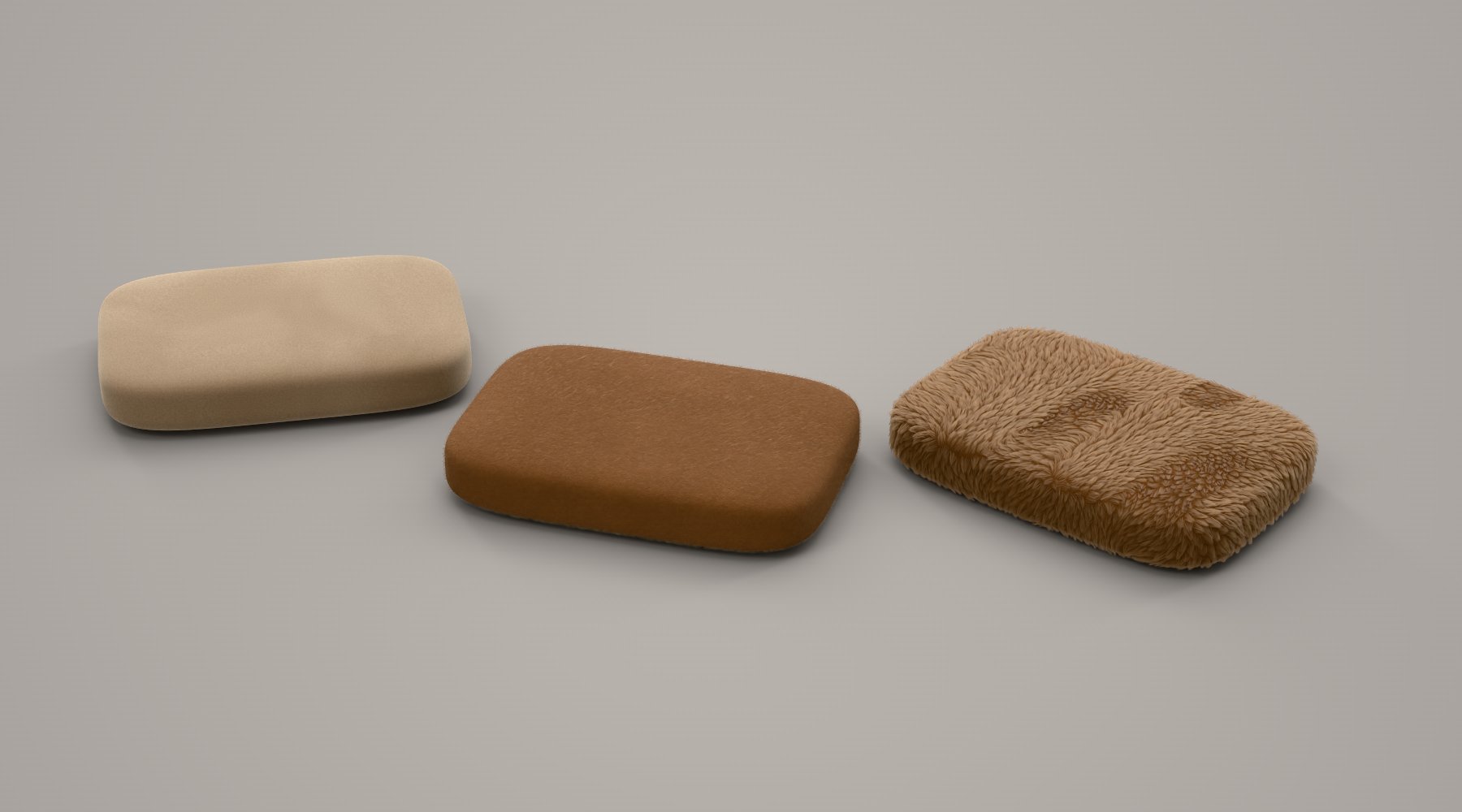
Everything that was under Now and Next: USDZ export for AR, Rhino, FBX, 3MF and PLY, Substance materials, glossy reflections and fibres finished, suedes and Faux Fur Camel, previews ready from the start, bottles in Cycles, Test this computer, SpaceMouse, Studios and the UV editor.
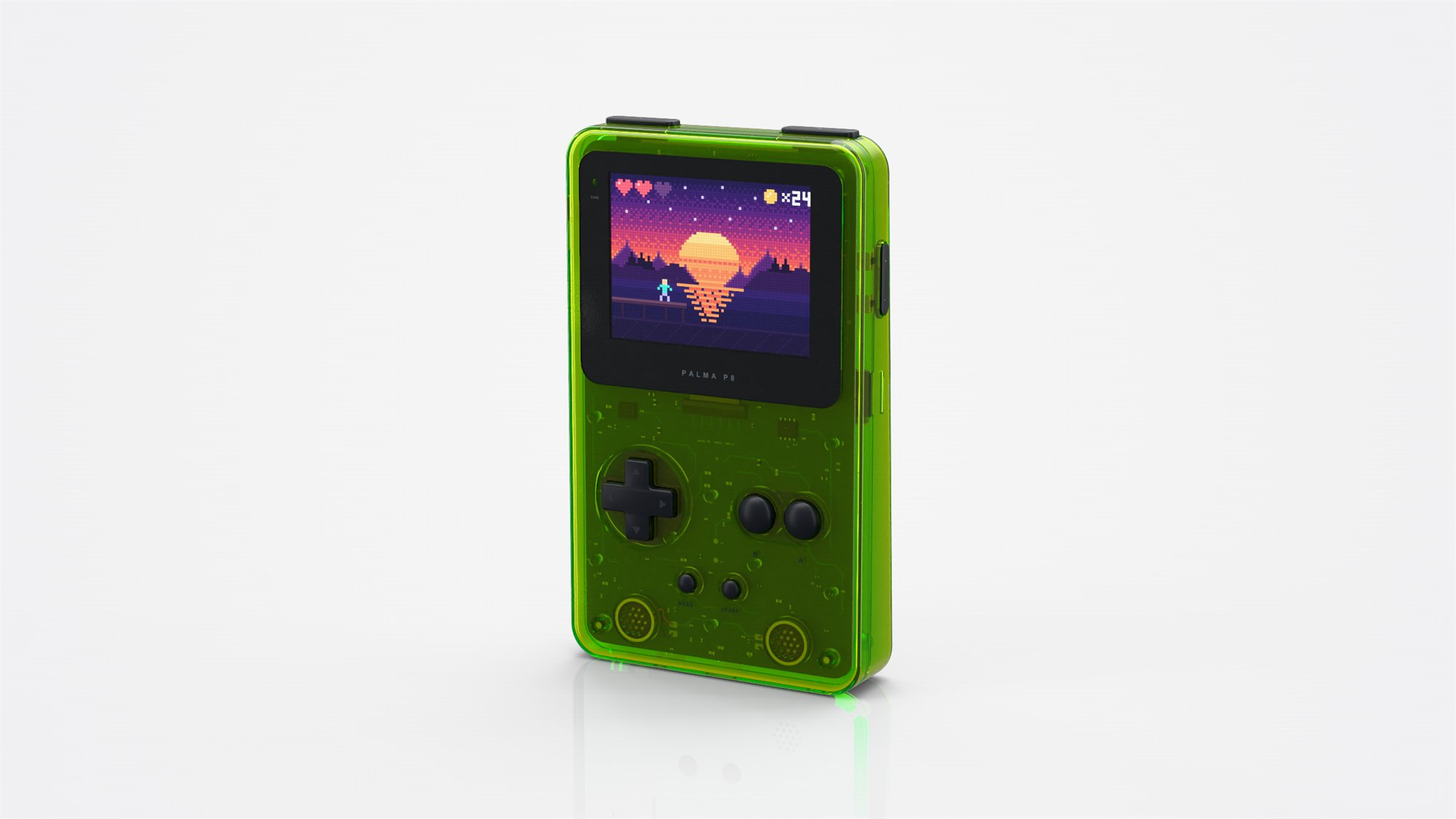
The palma P8 handheld as a third sample scene, what lies just behind a thin lens shown right, textures found beside their project, and AI apps with every tool again.
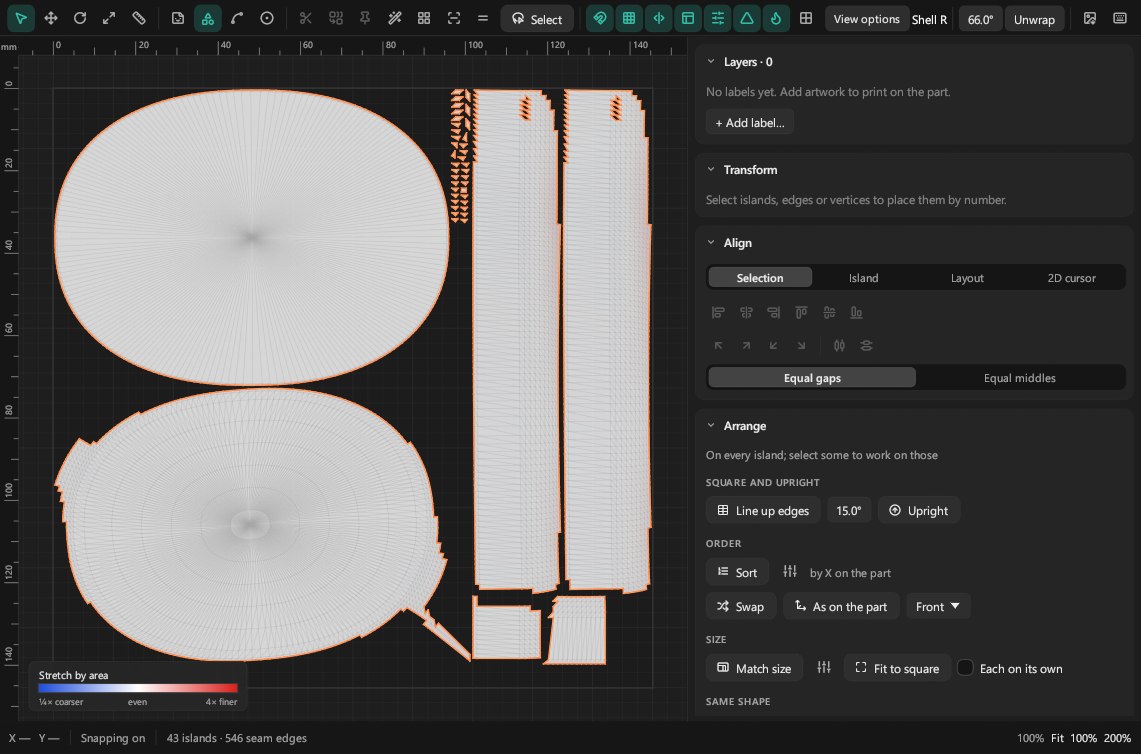
A full UV editor, wireframe renders, KeyShot scenes, real fibres, spectral rendering, AMD cards and every card at once, Cycles on Linux, and Intel Macs.
Tell us on Discord, or open an issue on GitHub. What people using Tequila ask for shapes what moves up this list.