 Tequila
Features
Everything it does.
Tequila follows the workflow of a commercial product renderer: model in, materials on, lights up, picture out. Here is all of it.
Import
Bring in what your CAD or 3D software makes, at full size, with its structure intact.
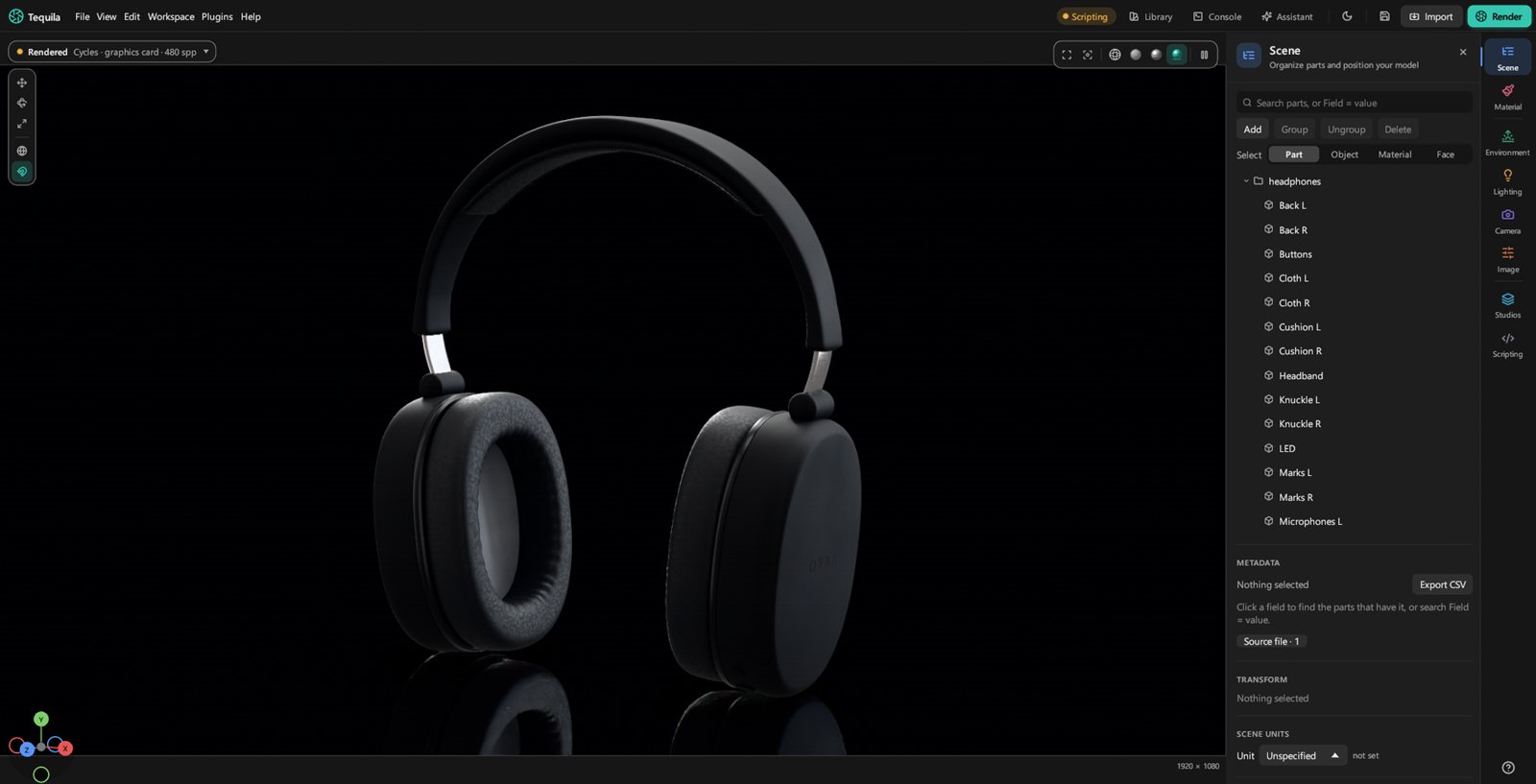
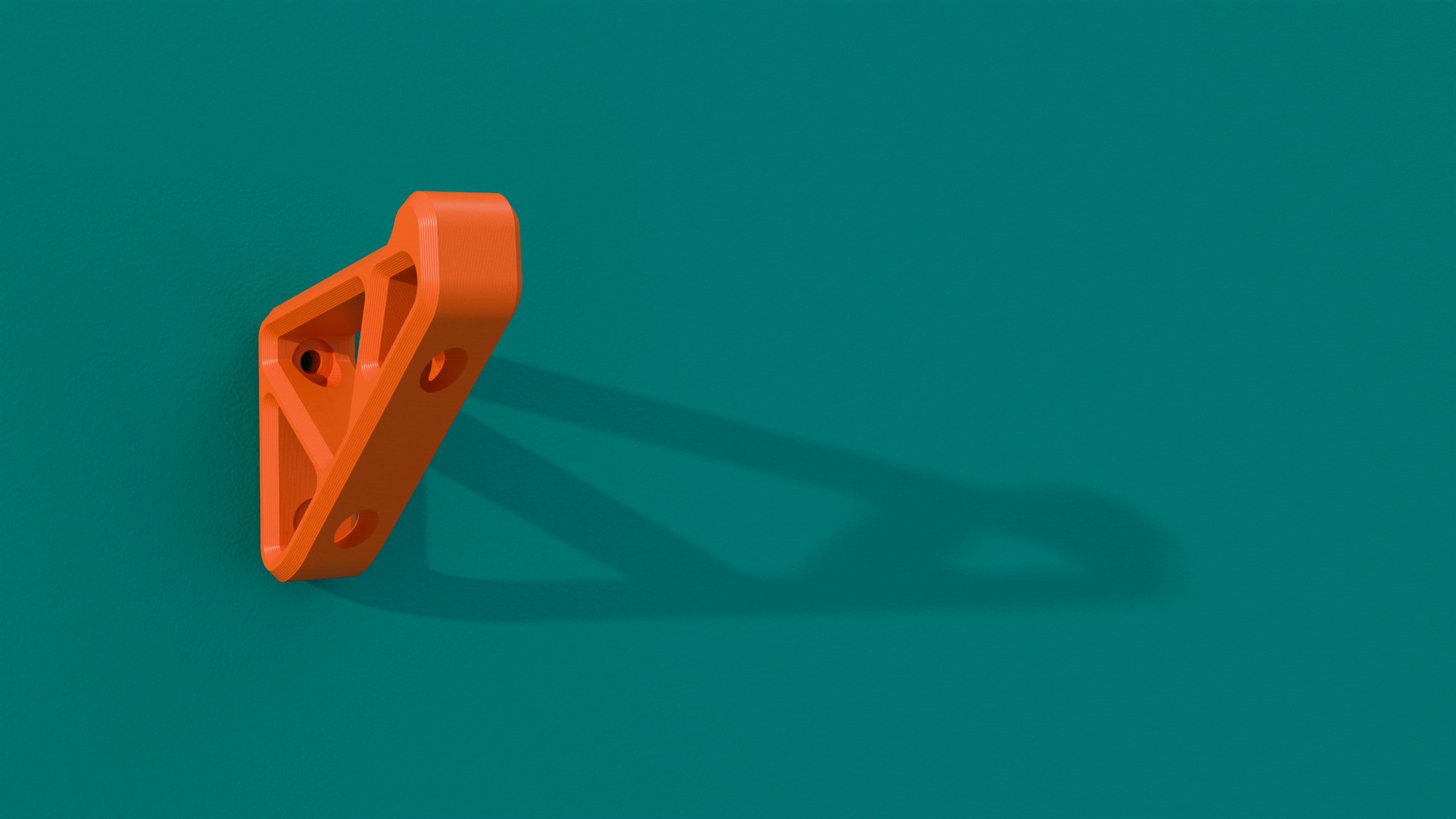
- CAD: STEP through OpenCASCADE and IGES, with assemblies, names, colours, units, attributes and layers. Show or hide a layer at once.
- 3D: glTF and GLB, FBX, OBJ (with ZBrush polypaint), STL, 3MF, PLY, USD (
.usda,.usdc,.usdz) and IFC building models. - Rhino:
.3dmfiles from Rhino 5 to 8, with their layers as the scene tree, materials and textures, polysurfaces, SubD and blocks. - Blender:
.blendfiles, read by the Blender on your computer: modifiers applied, collections as the scene tree, instances, cameras, and materials node for node, procedural textures and packed images included. Light it with Blender's own lights and world, at Blender's brightness, or keep Tequila's studio: Tequila asks. - Very large models. Re-tessellate a CAD part finer or coarser, and re-import a changed model without losing your materials, labels or names.
- Live from other apps: send models from Blender (live), SolidWorks and ZBrush.
- KeyShot scenes: open
.kspand.bipfiles with their parts, materials, labels, environments, cameras and model sets.
Materials
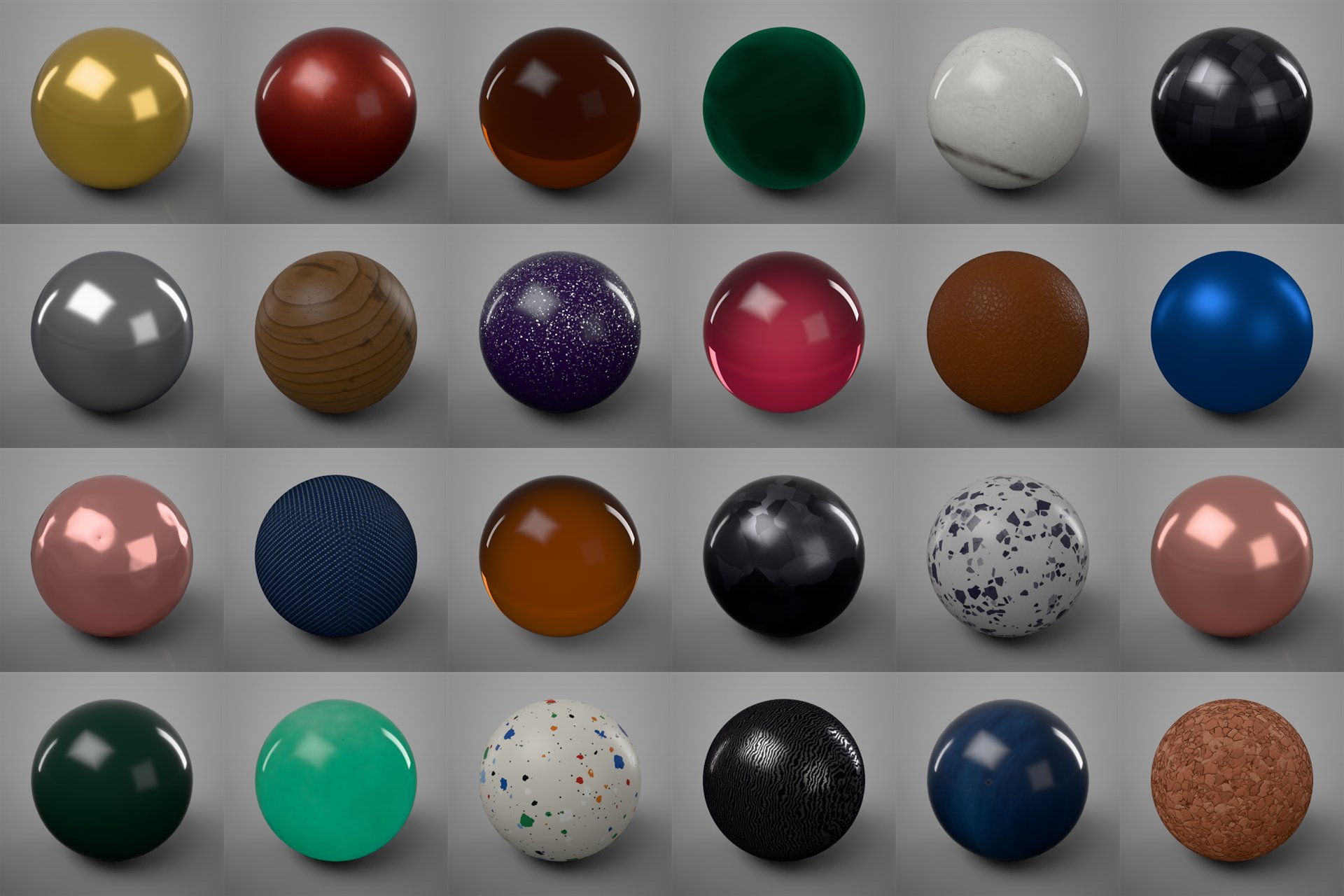
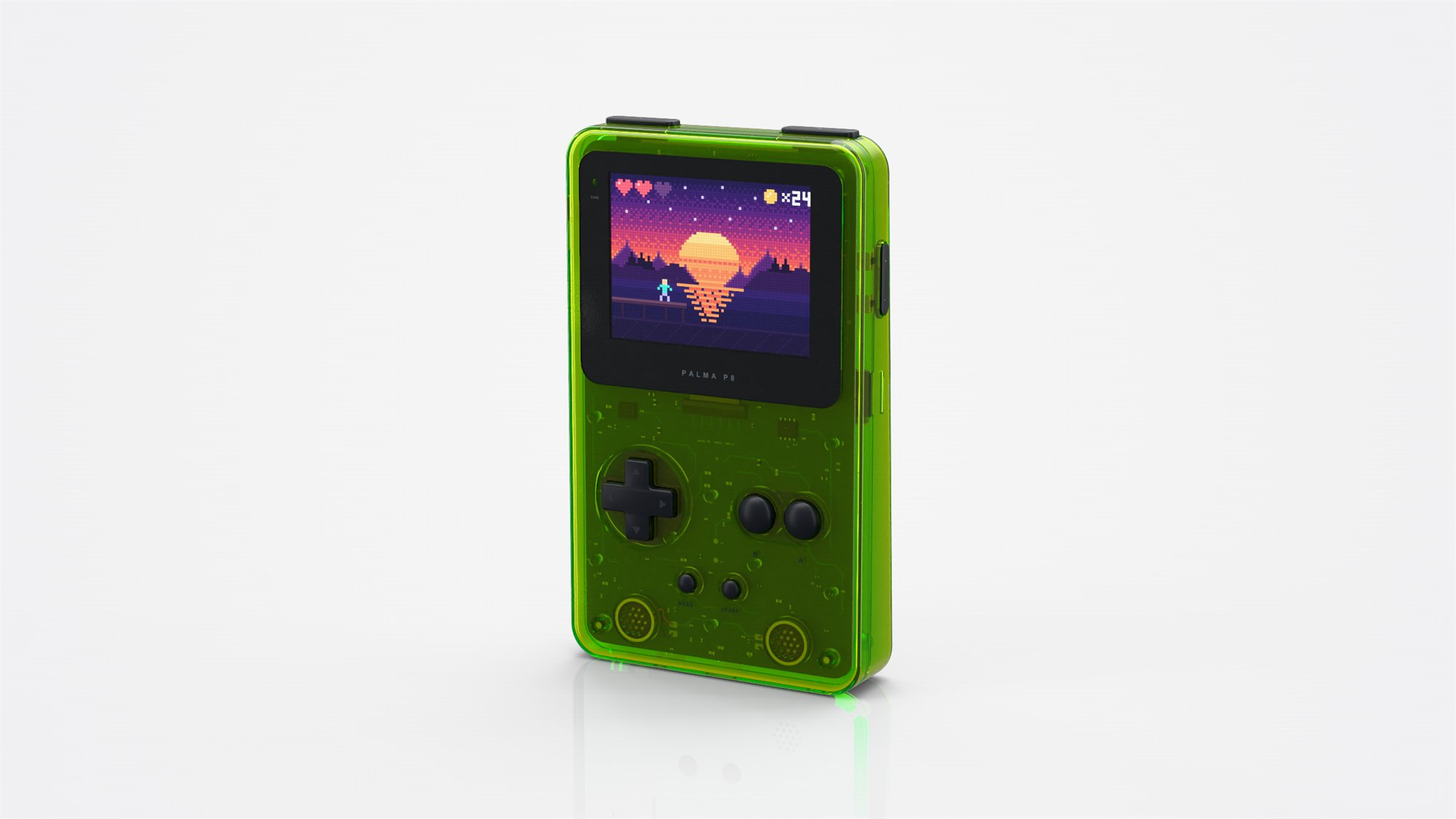
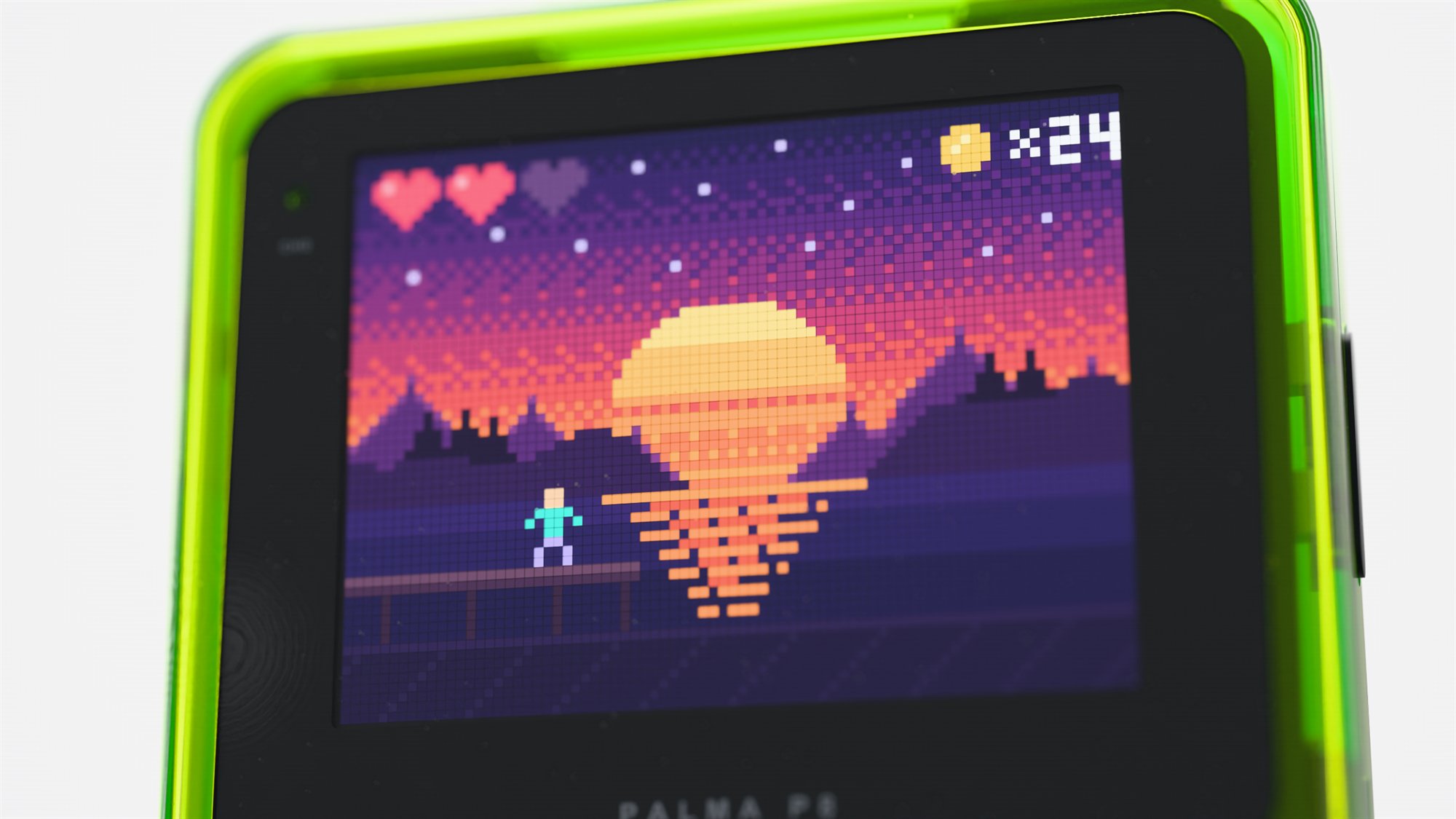
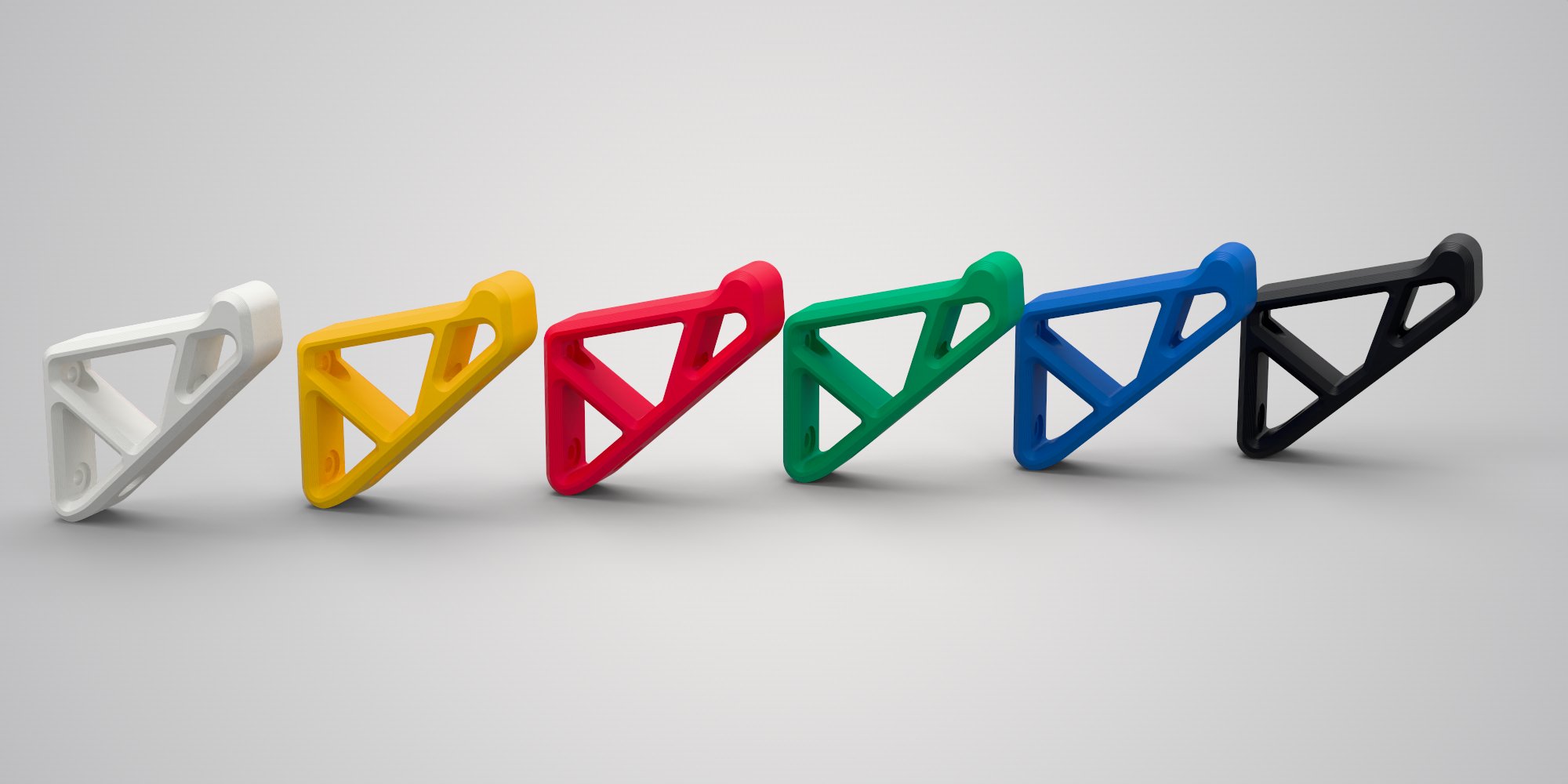
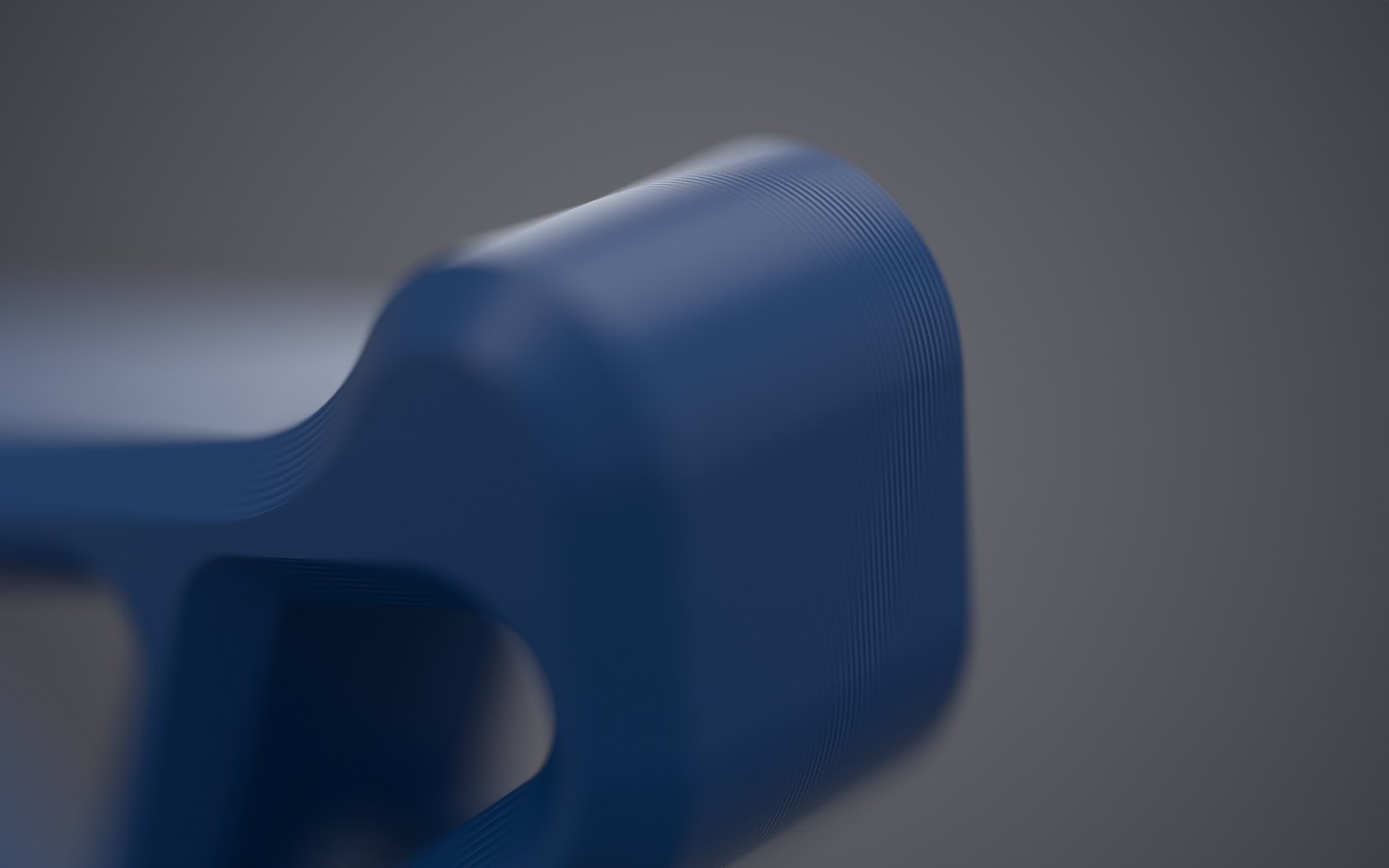
- A library of over 300 procedural materials: plastics with mould textures, anodised, brushed and polished metals, car paint with flakes, glass, gems, liquids with bubbles, wood, stone, leather, ceramics, fabrics and 3D-print filaments.
- Real fibres: a material's Fuzz grows fibres for felt, velvet, fur and tennis-ball fuzz, a texture colours each fibre where it grows, and both renderers draw them.
- Suedes and footwear: roughout and fine suedes, Faux Fur Camel, jersey lining, nylon taffeta, outsole rubber, laces, bonded thread and webbing.
- Adobe Substance materials (
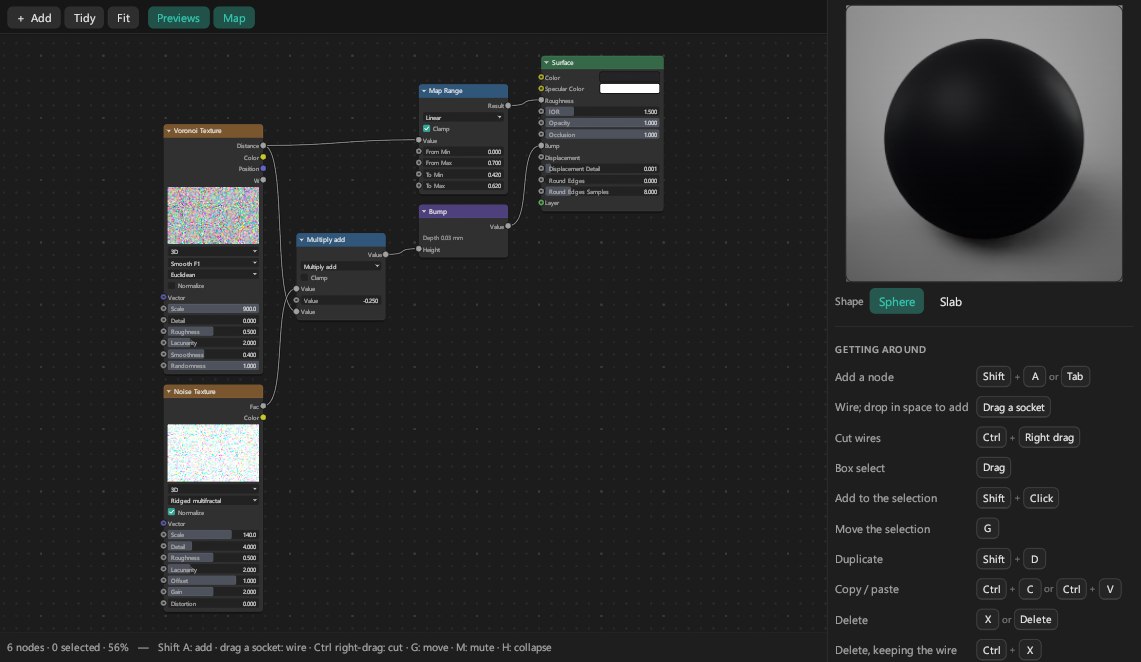
.sbsar,.sbs) with their settings; with Adobe's Substance tools installed, the textures render again as you change them. - A node editor for your own materials, with procedural patterns, and recipes that an AI app can write for you.
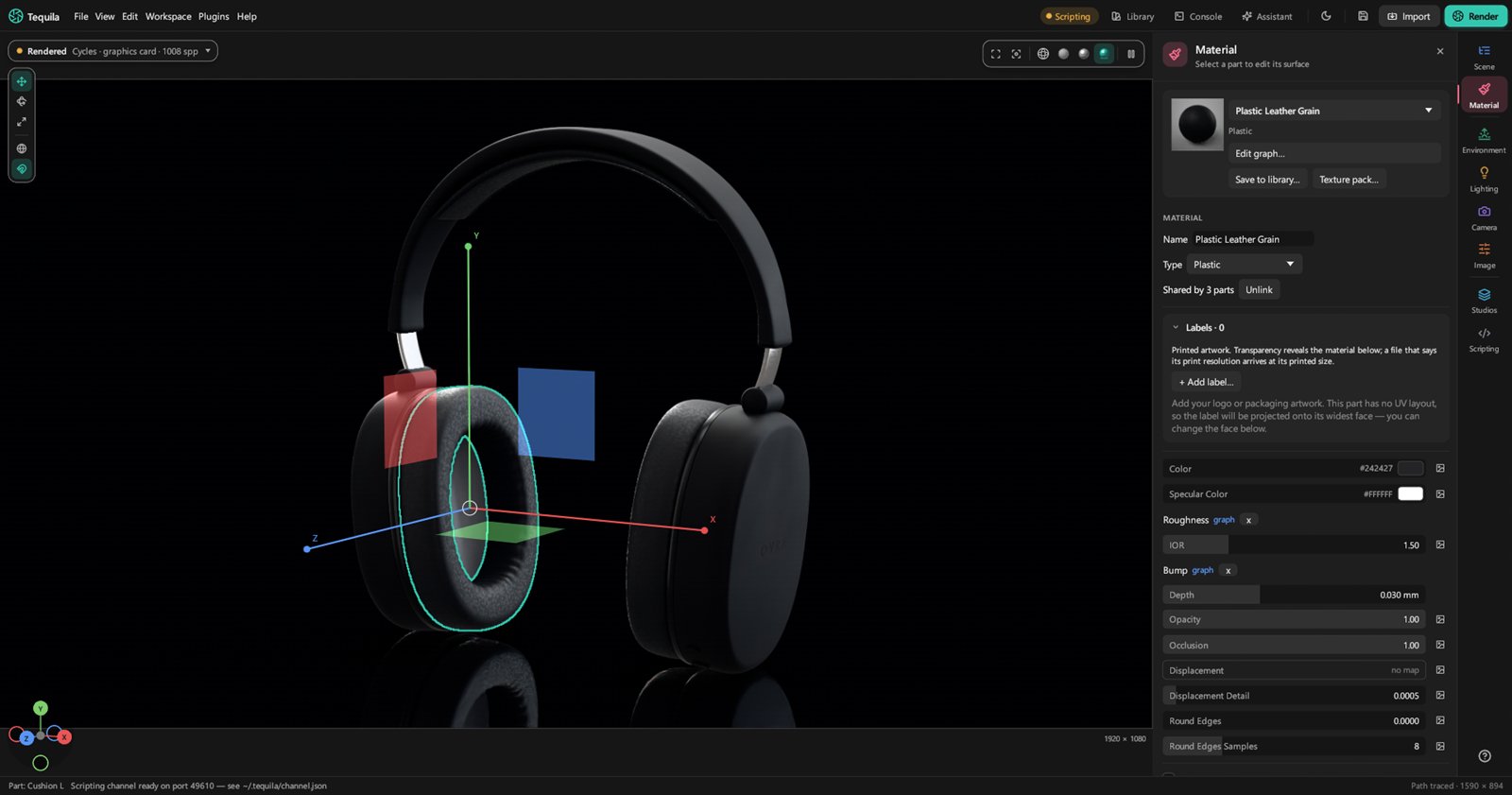
- Labels and decals, placed and sized in millimetres.
- Texture packs turned into materials in one go, and KeyShot material packages (
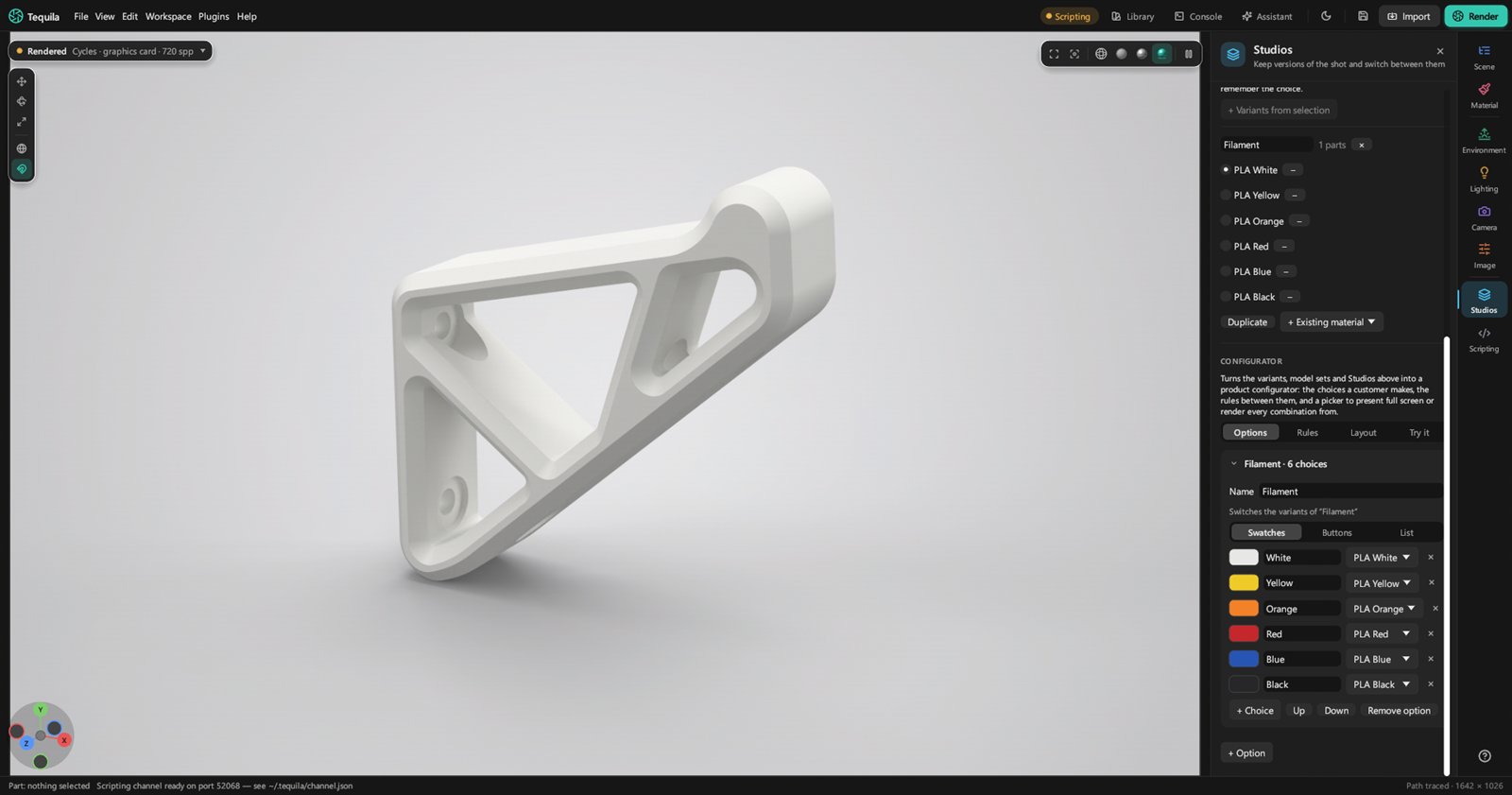
.kmp). - Colourways and variants, and multi-materials to switch between.
- Texture formats: PNG, JPEG, EXR, HDR, TGA, WebP, TIFF, BMP, SVG, GIF, DDS, JPEG XL and Photoshop files.
Lighting
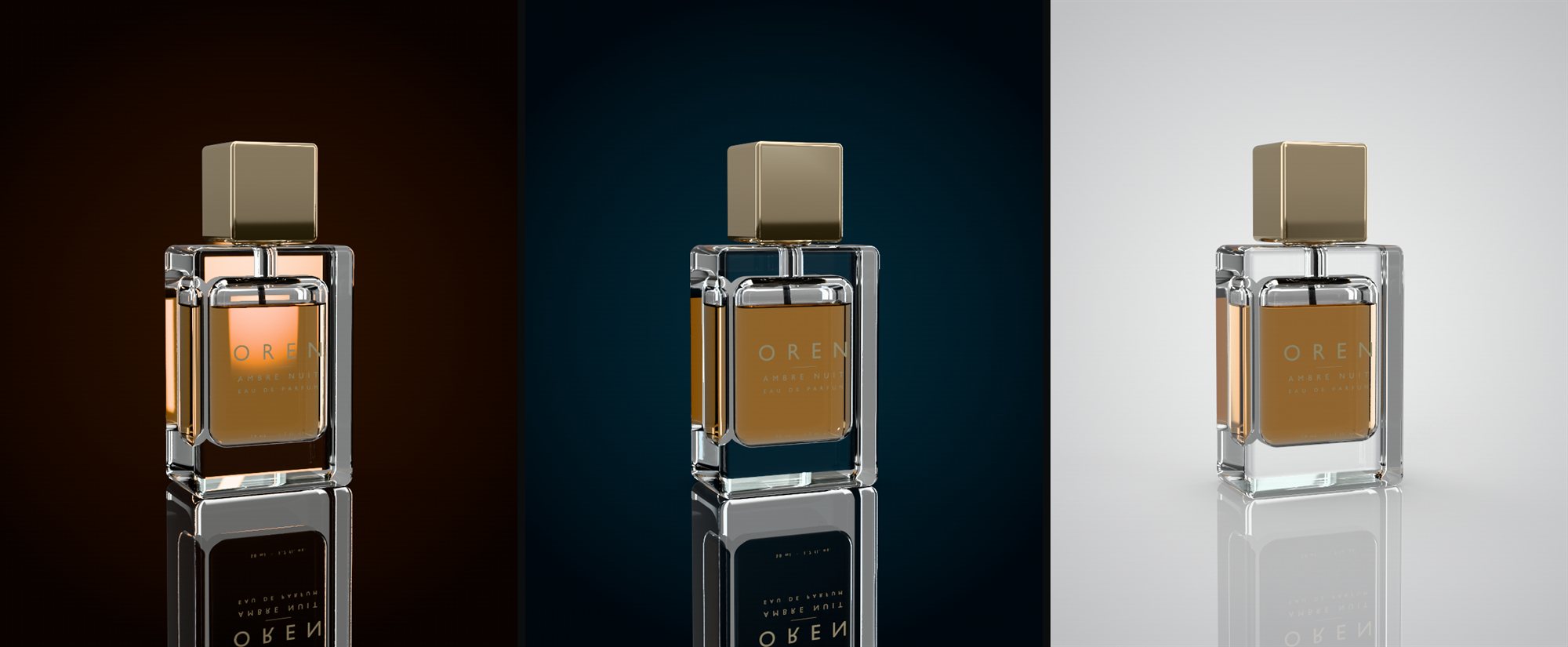
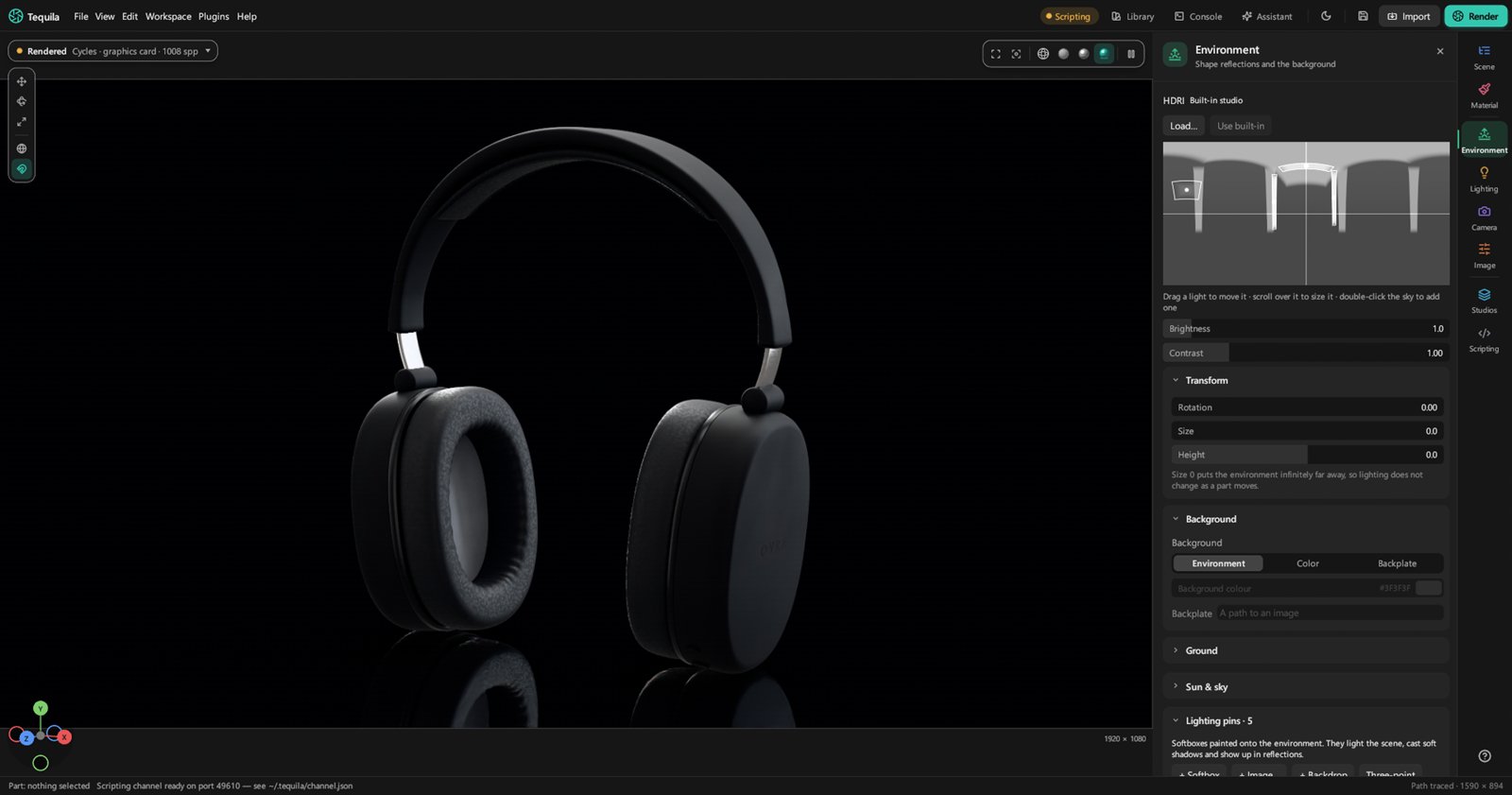
- HDRI environments, and an HDRI editor with pins for placing highlights.
- Sun and sky, and area, spot, point and IES lights.
- Light groups you can rebalance after the render is done.
- Studios: lighting, camera and look saved by name, and a set of views to render in one go.
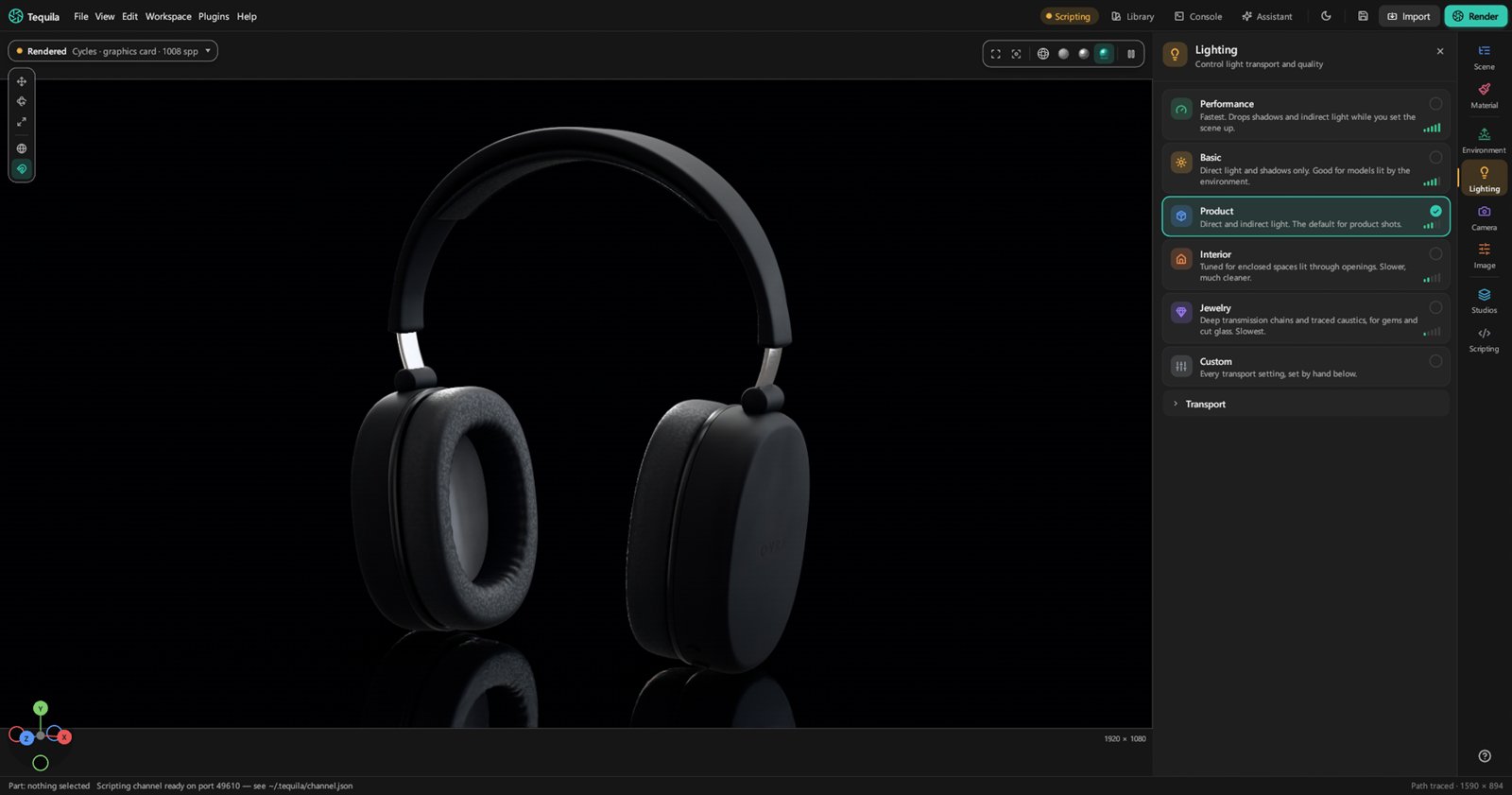
- Floors: shadow catchers, contact shadows, and mirror reflections of the product alone.
- Caustics off, by photons, or by working out each lamp's path through smooth glass.
Rendering
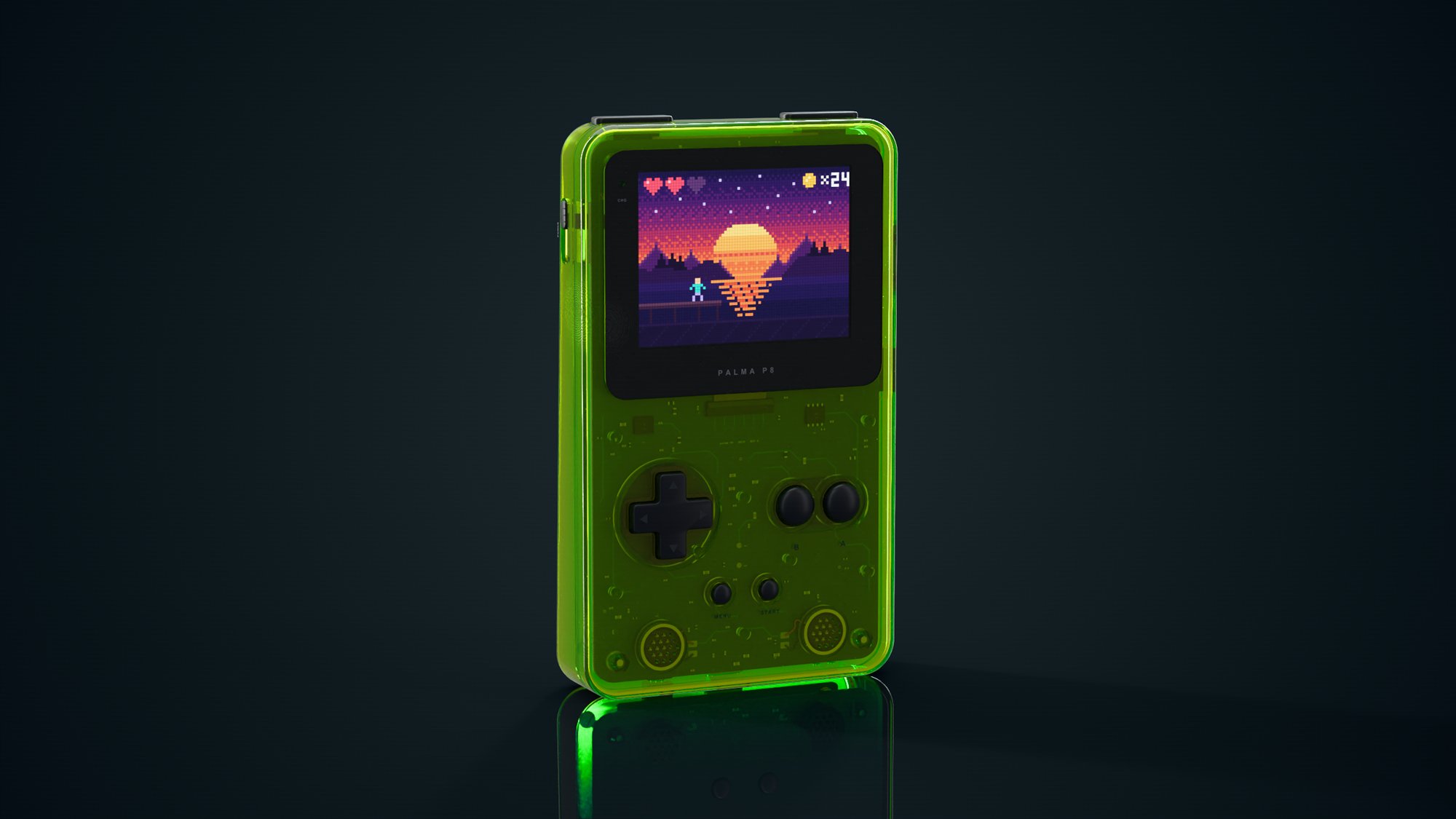
- Two renderers. Cycles, Blender's production path tracer, on NVIDIA and AMD graphics cards (every card at once) or the processor. And Tequila's own path tracer, which renders on any computer.
- The viewport renders the final picture live, denoised as it goes, with Wireframe, Solid and Material Preview views beside it.
- Spectral rendering in Tequila's own renderer, for the fire in gems and dispersive glass.
- A render queue, region renders, render layers and passes, Cryptomatte, and EXR, PNG and JPEG output.
- Batch renders of every configuration of a product, named by its choices.
- Network rendering across the computers in the room.
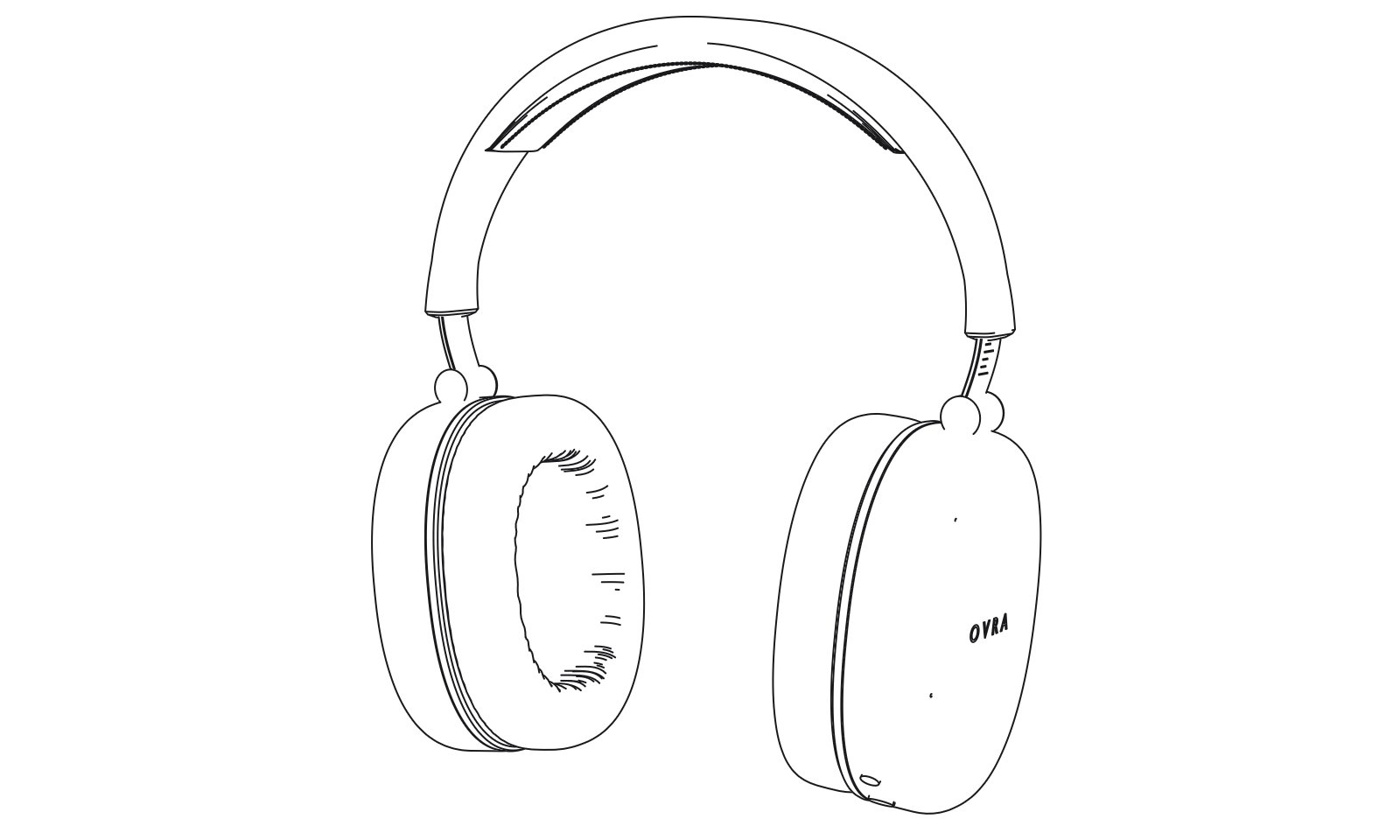
- Render wireframe: the model's edges drawn at any size in a second or two, as a technical drawing or a line drawing.
UV editor and labels
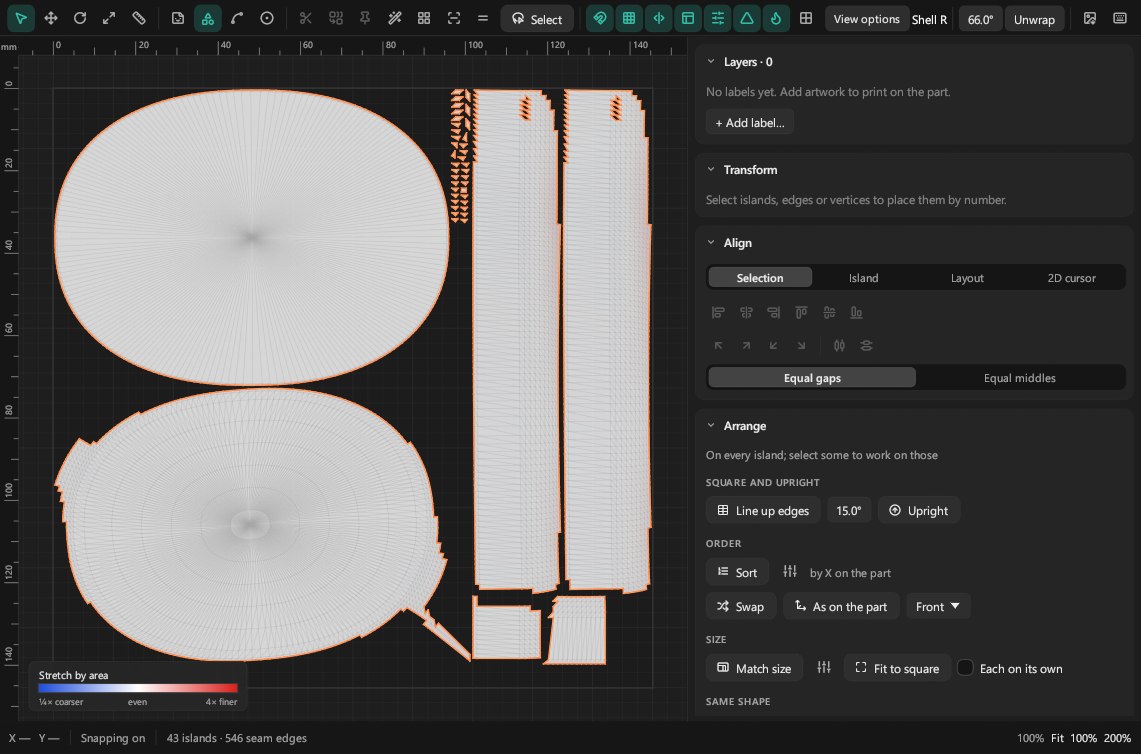
- Unwrap a part in a click; faces come apart at sharp edges, and curved surfaces in a few even pieces.
- Labels: drag, scale and turn them, fit them to a face, or set their width in millimetres.
- A workspace: snapping, rulers, guides saved with each part, a grid, a measure tool, a Transform panel, Align, and layers with locking.
- Islands: move, turn, scale and flip; cut and stitch seams; pin and lay out flat again; pack, straighten and even out the size.
- Shape tools: least-stretch unwrap, straight lines, grids, rectangles and circles, relax, weld, and cut by angle.
- Symmetry and arranging: make one side mirror the other, a 2D cursor, sort, stack repeated pieces, and lay islands out as the part looks.
- See it on the part: texel density, a stretch heatmap, a checker in the viewport, and padding at a texture size. Export the layout as SVG or PNG.
Camera and look
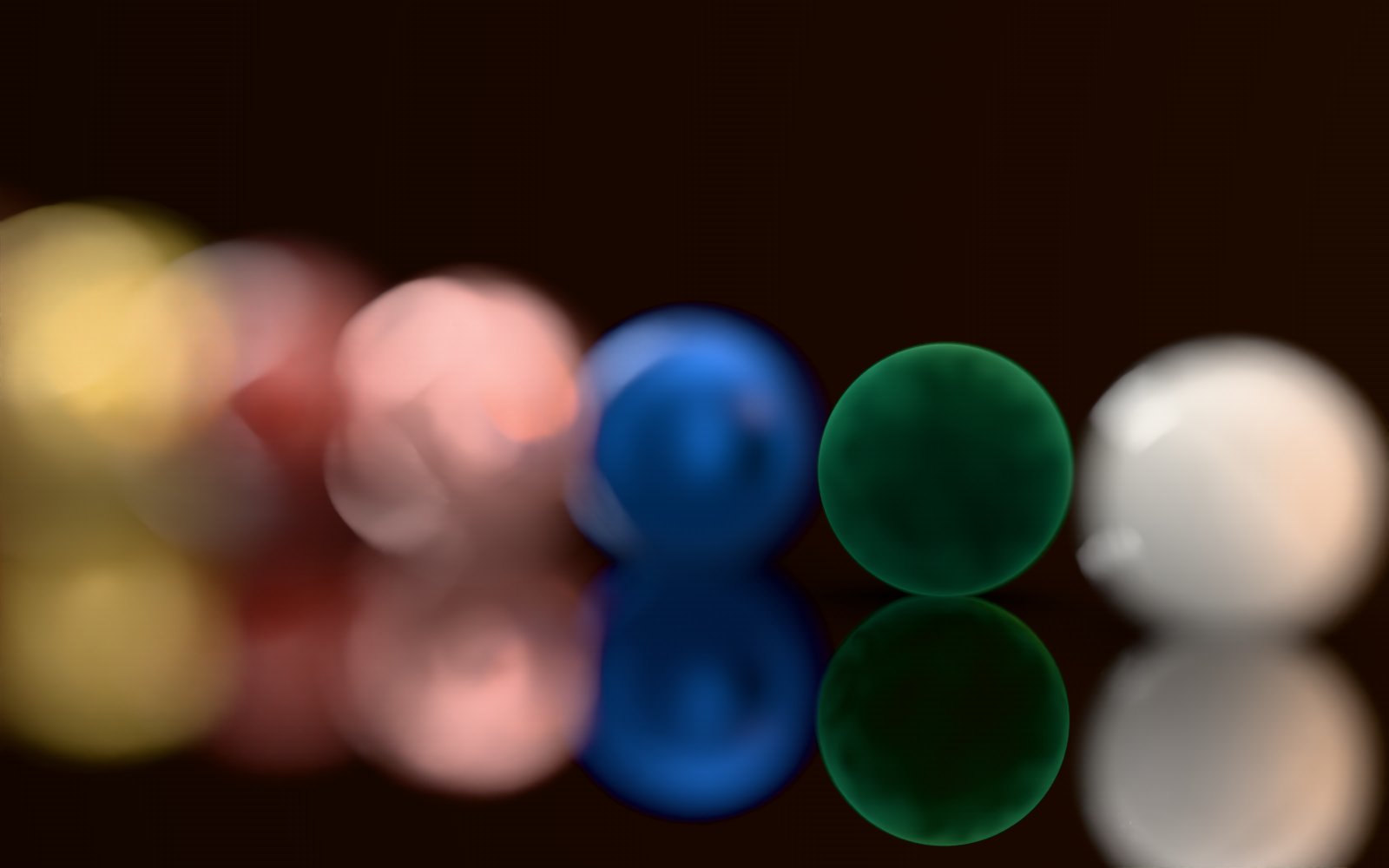
- A photographic camera with focal length, depth of field, lens shift and orthographic views. Several cameras per scene.
- AgX, ACES and PBR Neutral tone mapping, with exposure and white balance.
- ACES colour end to end through OpenColorIO, with every ACES 1.3 output transform and the common camera log curves.
Sharing
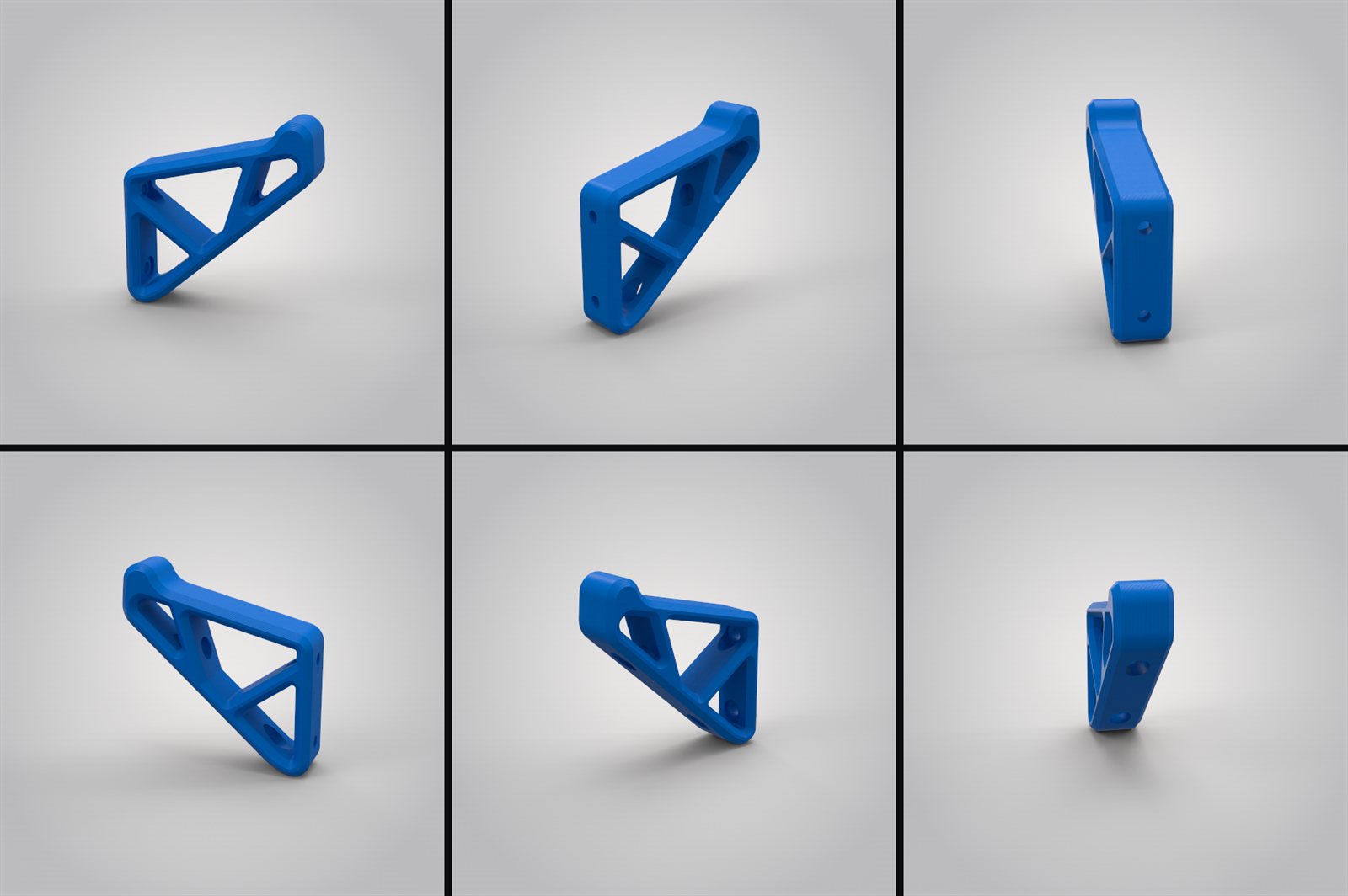
- Web export: a page with the product in live 3D, or pre-rendered.
- AR: export a USDZ that an iPhone, iPad or Apple Vision Pro opens in AR, at real size, standing on the ground.
- A spin viewer, and glTF and USD export.
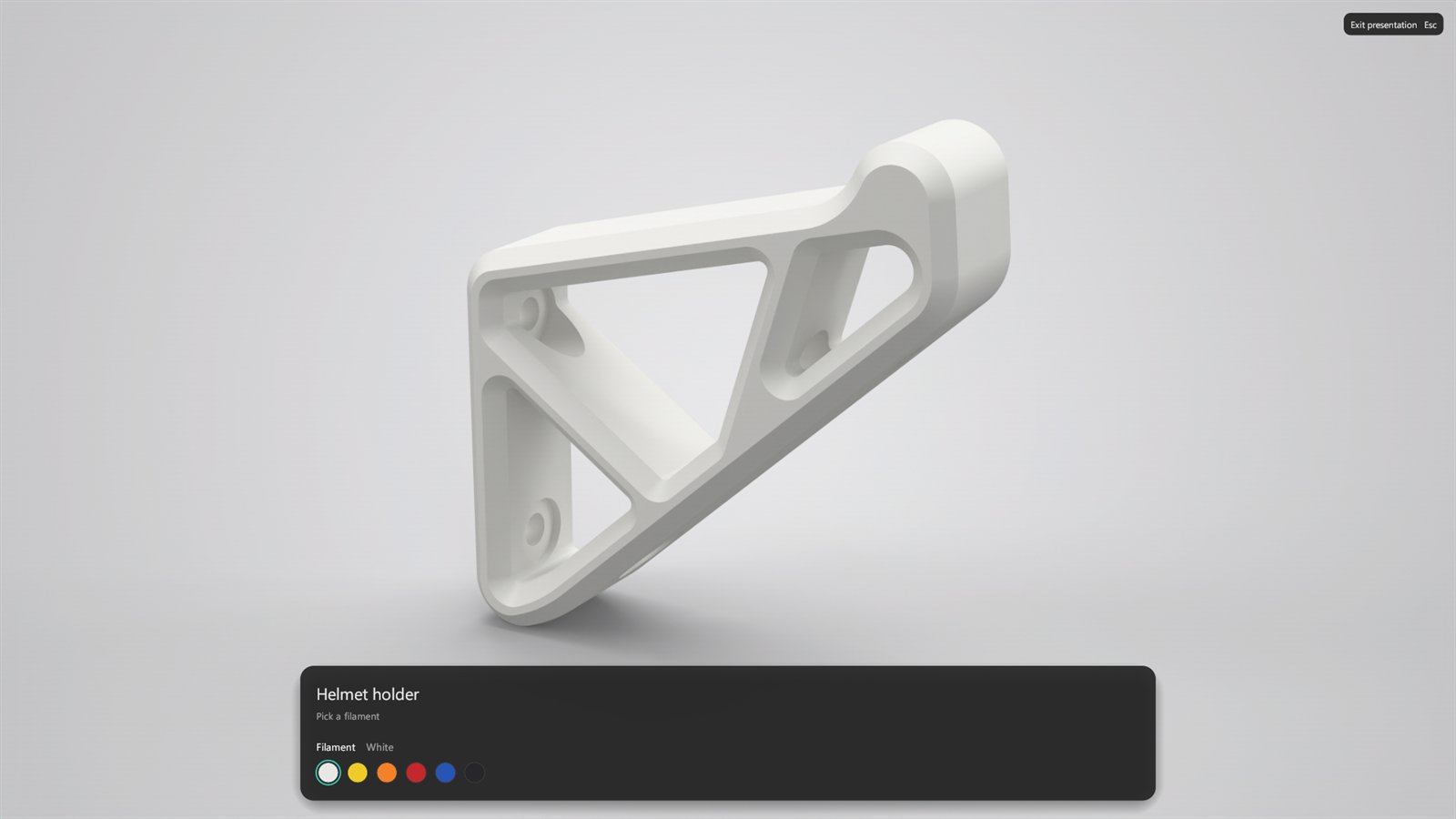
- Presentation mode, full screen.
- Cutaways and measurements, model sets and a configurator.
Scripting and AI
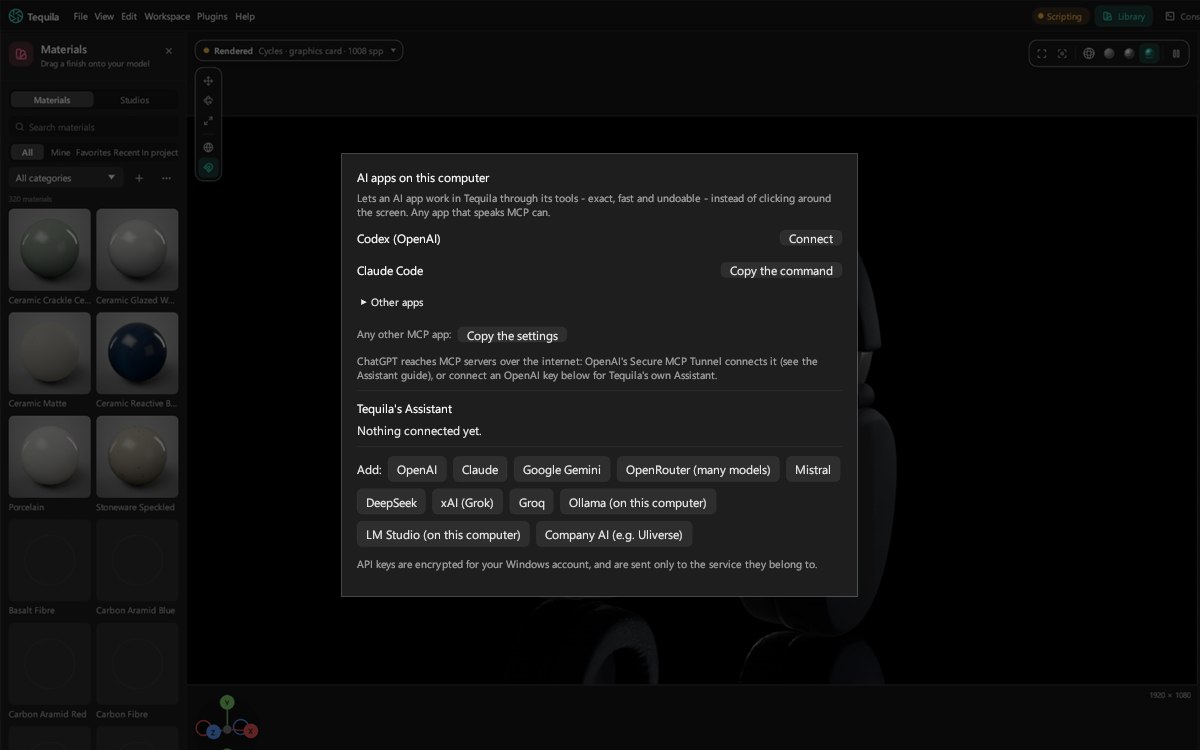
- Connect an AI app in one click: Claude, Cursor, VS Code (GitHub Copilot), Codex, Gemini CLI, Windsurf, LM Studio, or any other app that speaks MCP. It can set up materials, lighting and renders, make materials from a description, and write plugins.
- A built-in Assistant for OpenAI, Claude, Gemini, OpenRouter, Mistral, DeepSeek, xAI, Groq or a local model.
- Python scripting and plugins, a command-line renderer, and a Blender live link.
- A 3Dconnexion SpaceMouse to turn, pan and zoom the view.
- Every edit is an undoable command with a name, so scripts and AI apps can do anything the buttons do. See Scripting.
Platforms
- Windows 10 or 11, 64-bit.
- Mac with Apple silicon, and Intel Macs on macOS 12 or newer (with Tequila's own renderer).
- Linux, 64-bit, glibc 2.35 or newer.
- Test this computer (Help menu) renders with every engine and graphics card it finds and gives a short report to share.
- NVIDIA (GTX 900 series or newer) and AMD (RX 5000 series or newer) cards render with Cycles; any other computer renders on the processor.
Beyond turntables, animation isn't part of Tequila yet; it's on the Roadmap.